Works instantly with vMix, OBS Studio, Streamlabs, Telestream Wirecast, and TriCaster VSE.
4K + Full HD Files
Separate folders with 3840×2160 and 1920×1080 resolutions – preview the design.
Instant ZIP Download
PNG with transparency + JPG backgrounds – everything you need in one package.
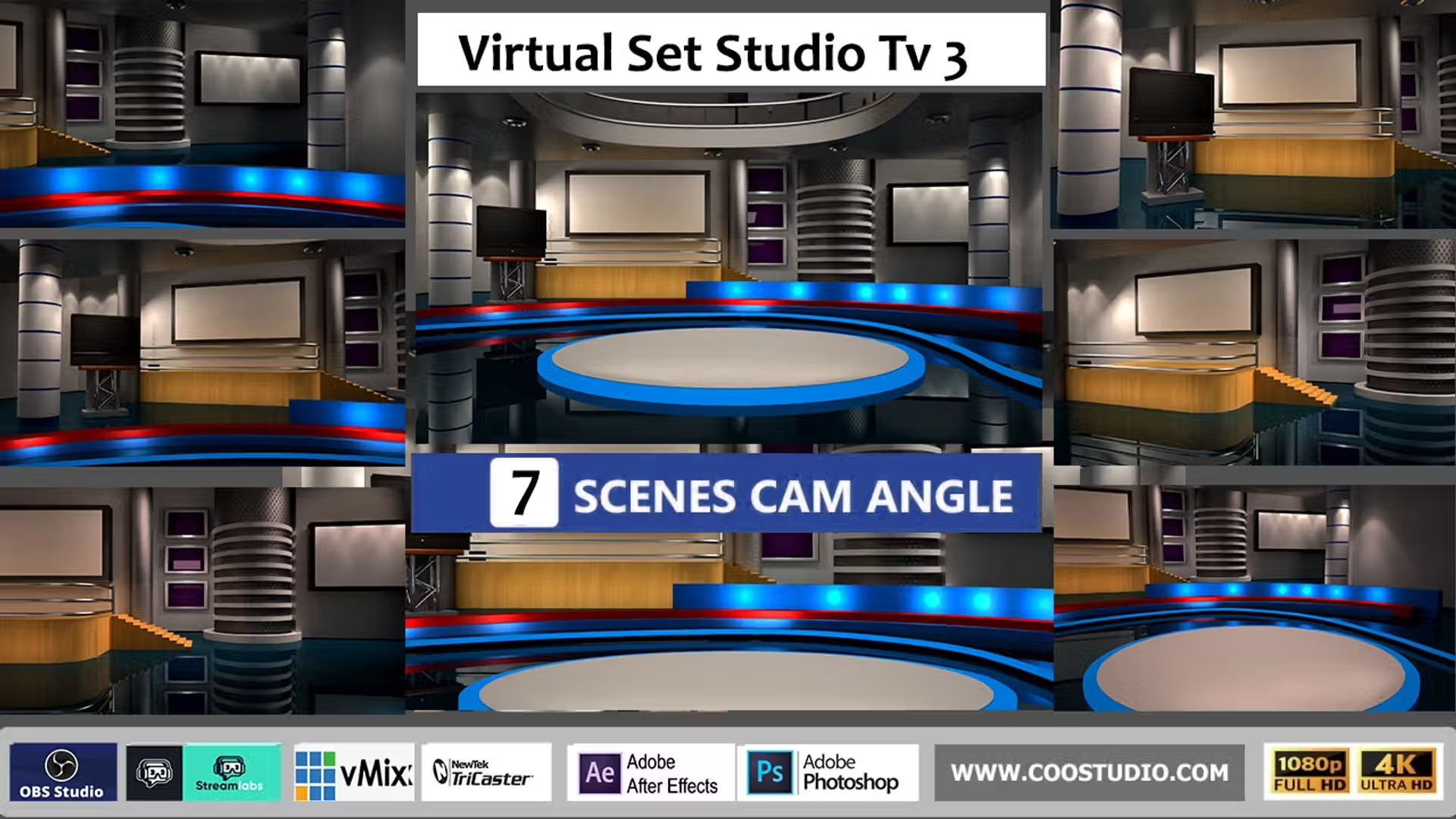
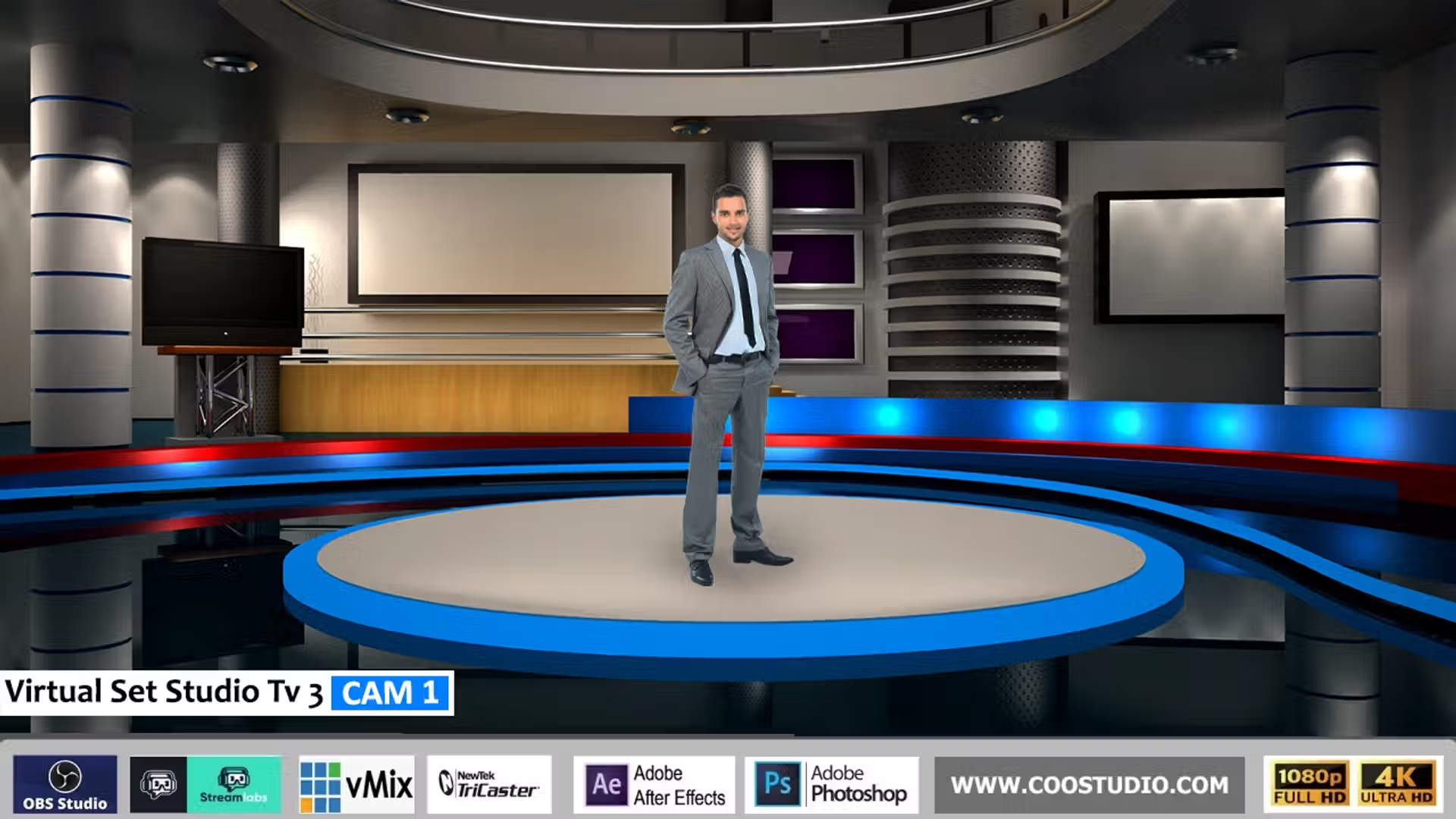
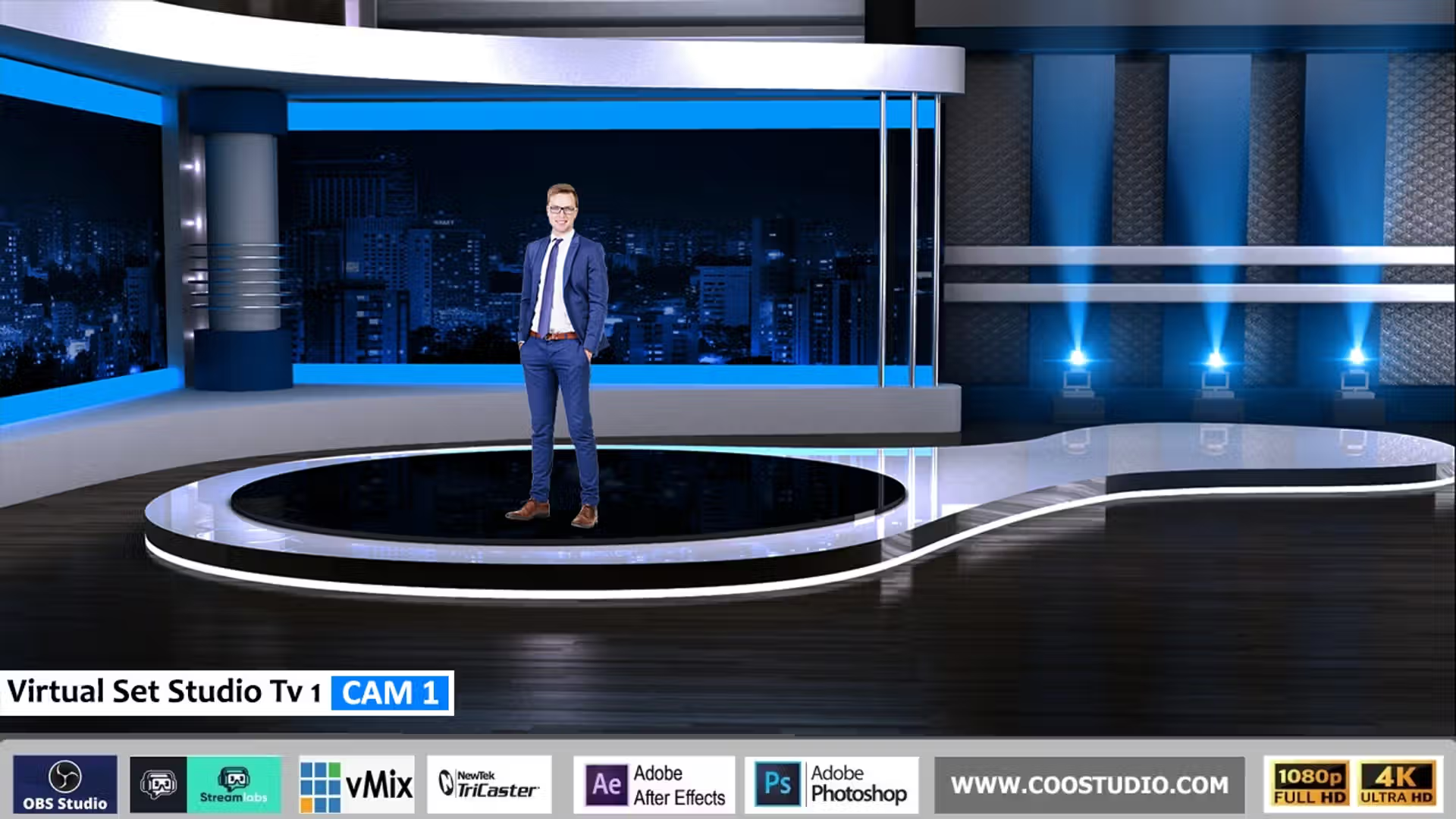
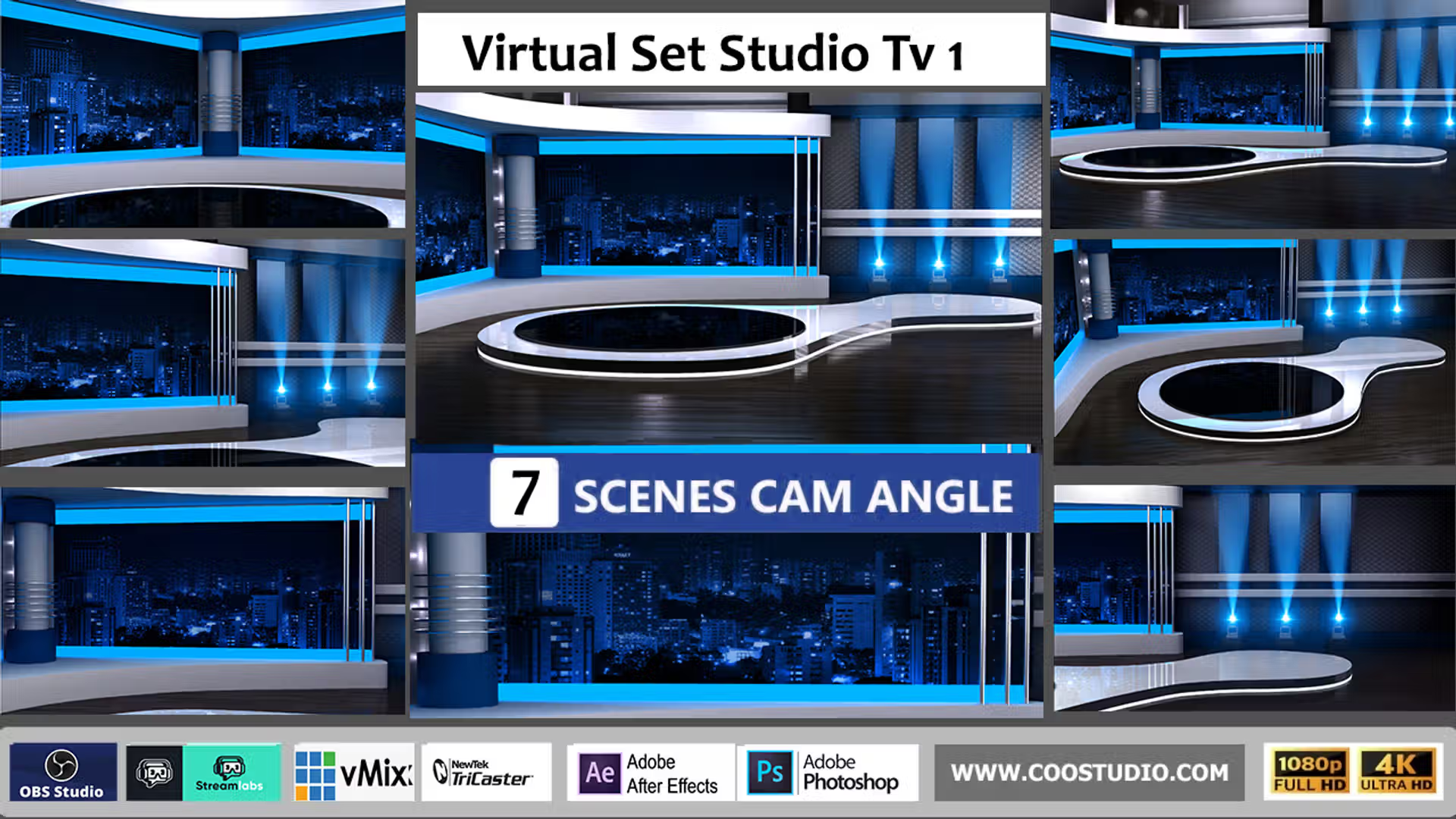
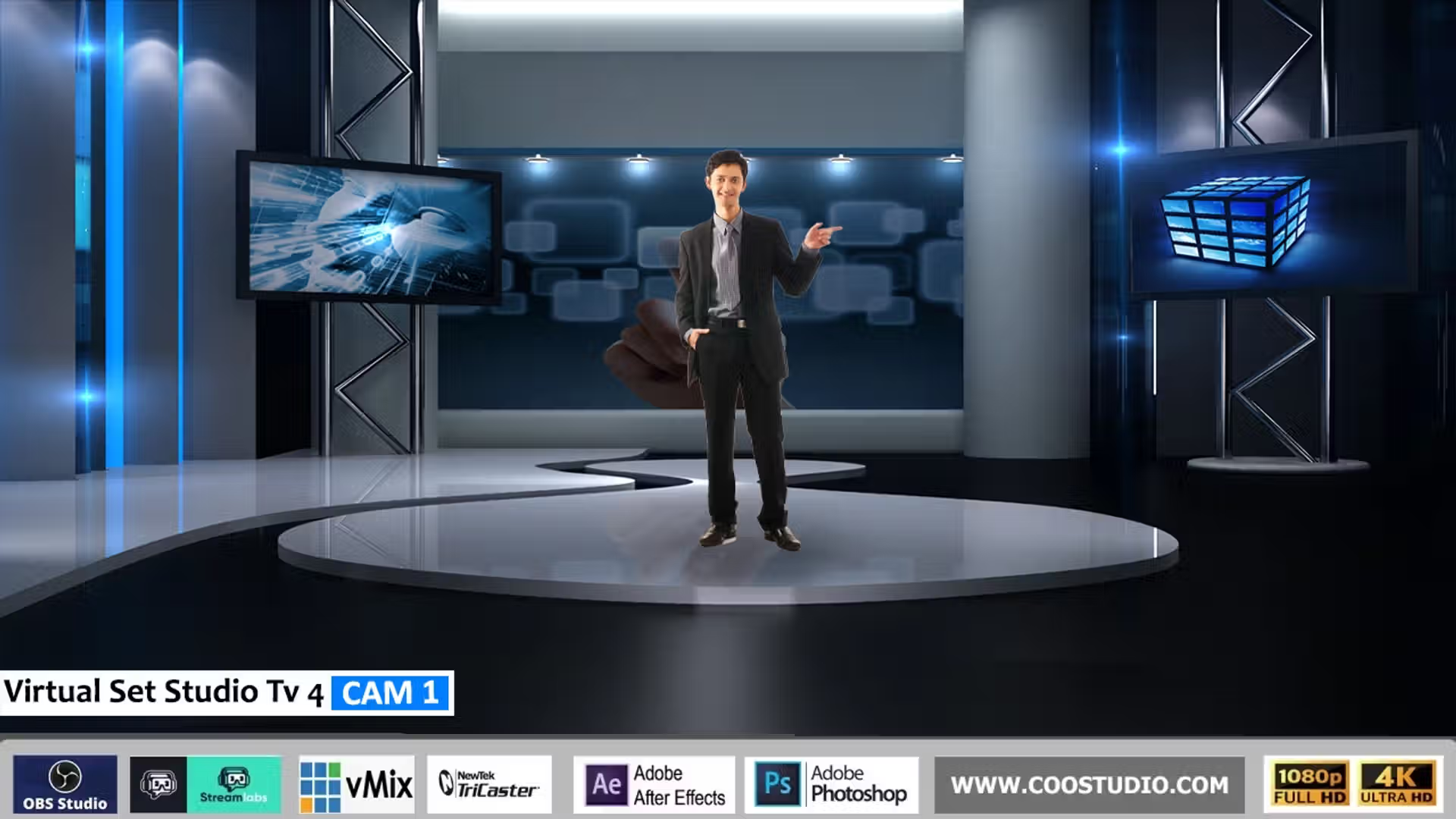
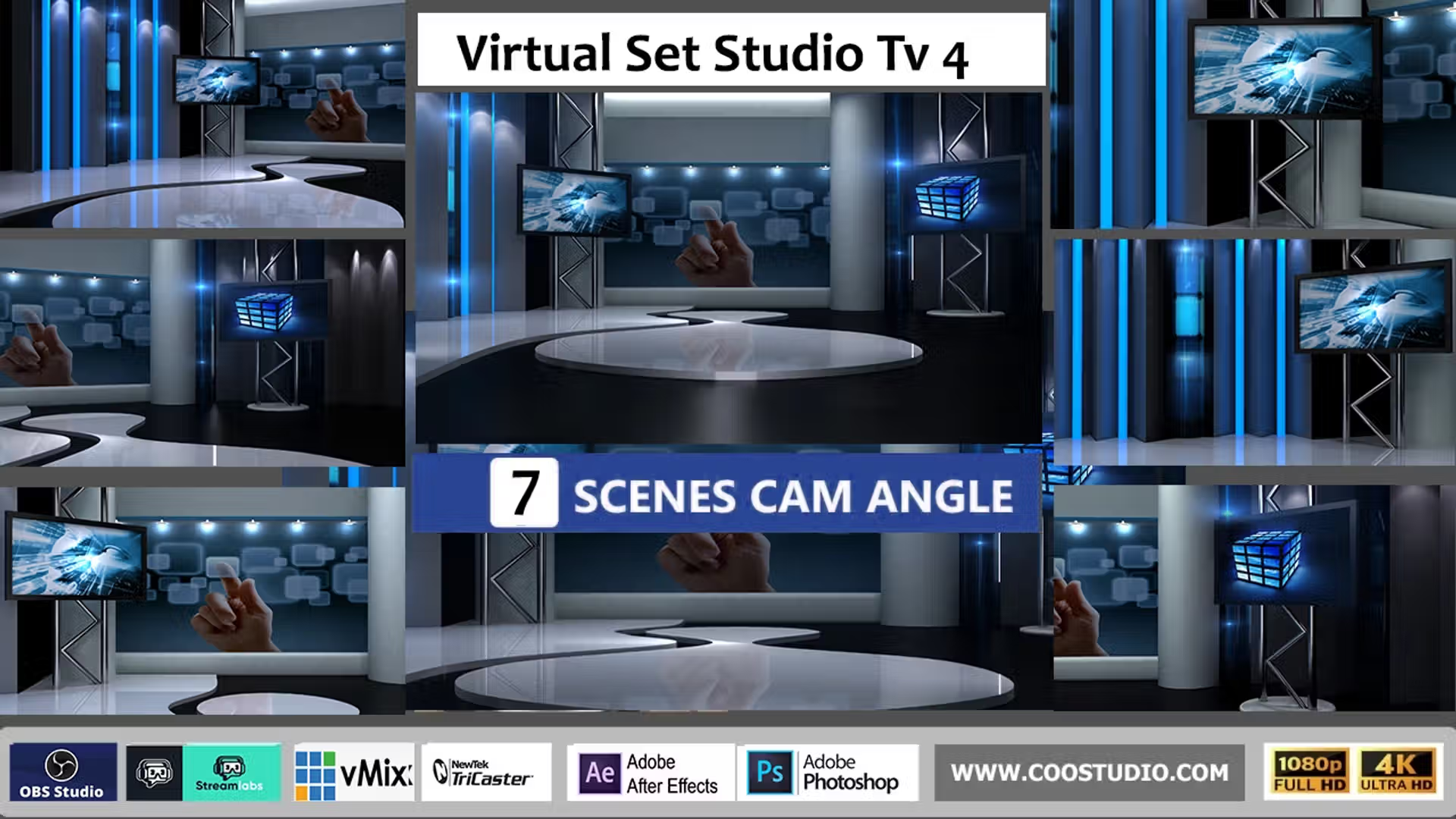
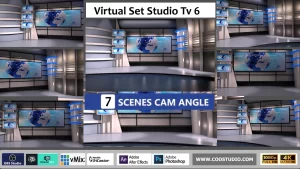
What’s Inside the Virtual Set Studio TV 3 Package
Your download includes a well‑organized set of broadcast graphics and stream overlay assets. Each file type has been chosen to give you maximum creative control, whether you're building a live streaming scene or editing a recorded video.
This chroma key backdrop set is universal – use it with any tool that imports PNG / JPG. Popular integrations include all major live streaming and editing platforms, ensuring you get a professional result no matter your workflow.
Our design team created this set to be the most flexible virtual studio solution available. It works equally well for solo streamers setting up a simple OBS scene and for production studios needing a multi‑camera vMix environment. Because all layers are provided as separate PNG files, you can rearrange elements, change the background, or even animate the overlays in After Effects.
The included 4K files give you crisp detail even when you zoom or pan in your broadcast software, while the Full HD version keeps system resources light for older hardware. Whether you are producing a daily news show, a gaming stream, or a corporate webinar, Virtual Set Studio TV 3 adapts to your needs. And with one‑click purchase and immediate download, you can go from unzipping to going live in under five minutes.
Thousands of creators trust our virtual sets to deliver a polished, professional look without costly physical studio setups. See our customer reviews to learn how others are using Virtual Set Studio TV 3 to elevate their content.
How to Set Up Your Virtual Set Studio TV 3 in Minutes
1
Unzip & Select
Pick the 4K or Full HD folder for your streaming setup.
2
Add Sources
Place the JPG background, then layer transparent PNGs in OBS/vMix.
3
Key & Go Live
Position your camera between layers, apply chroma key, and broadcast.
 Skip to content



Reviews
There are no reviews yet.