Virtual Set Studio TV 1 4K & Full HD Green Screen Studio – 7 Camera Angles
Broadcast‑ready chroma key environment with 7 professional camera angle presets. Works natively with vMix, OBS, Streamlabs, TriCaster VSE, and all major creative software. One ZIP download – instant multi‑camera studio upgrade.
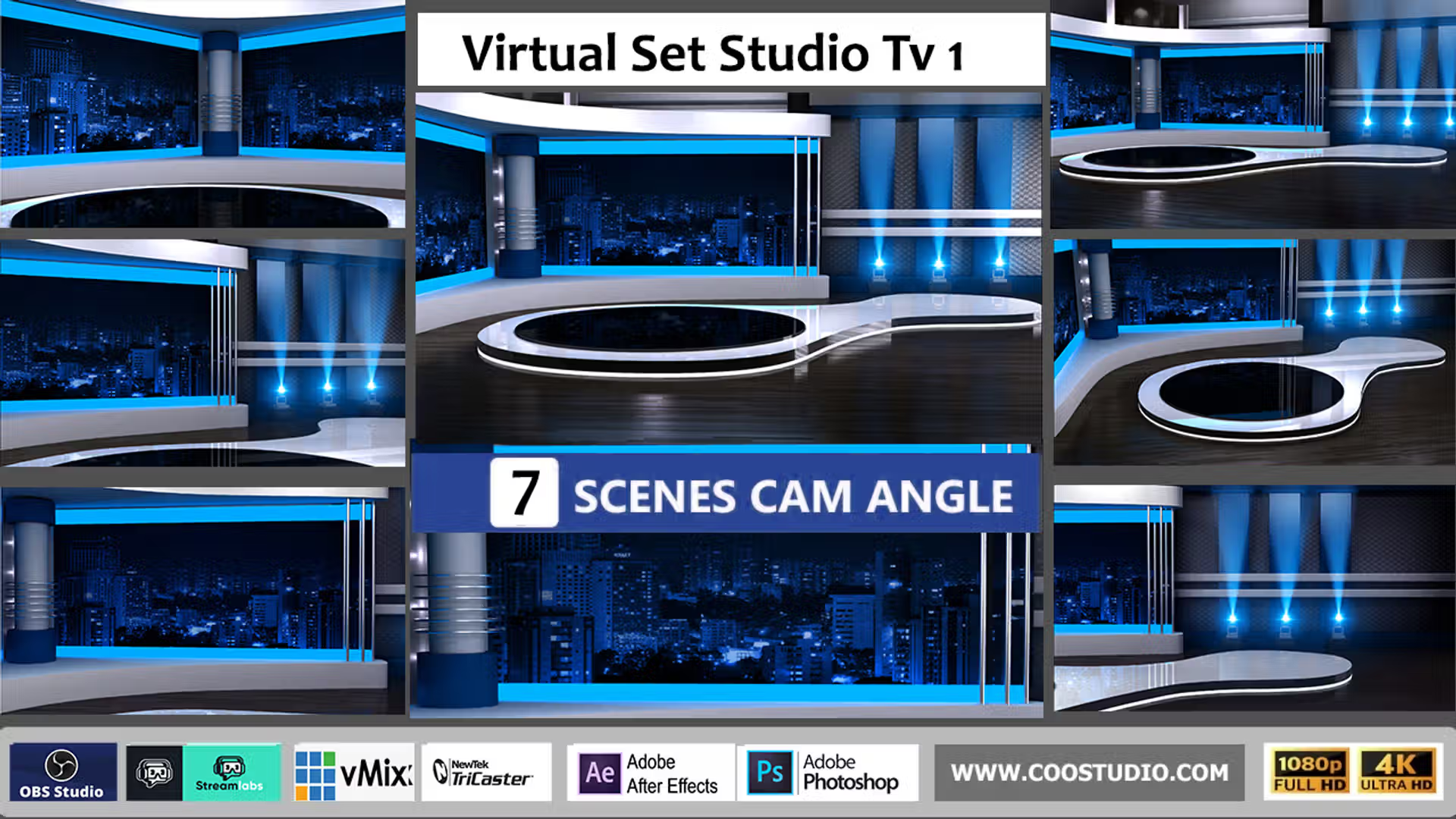
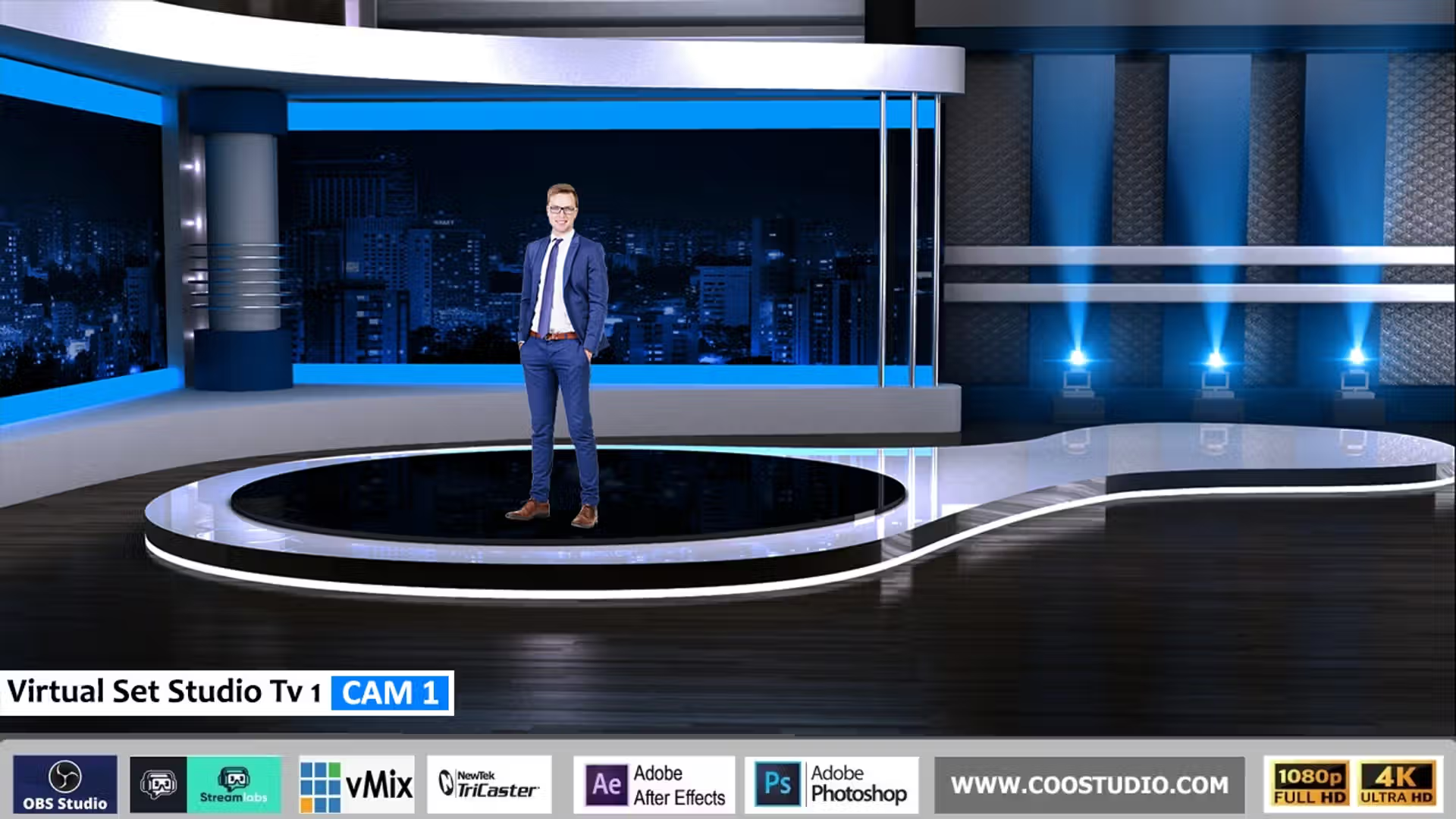
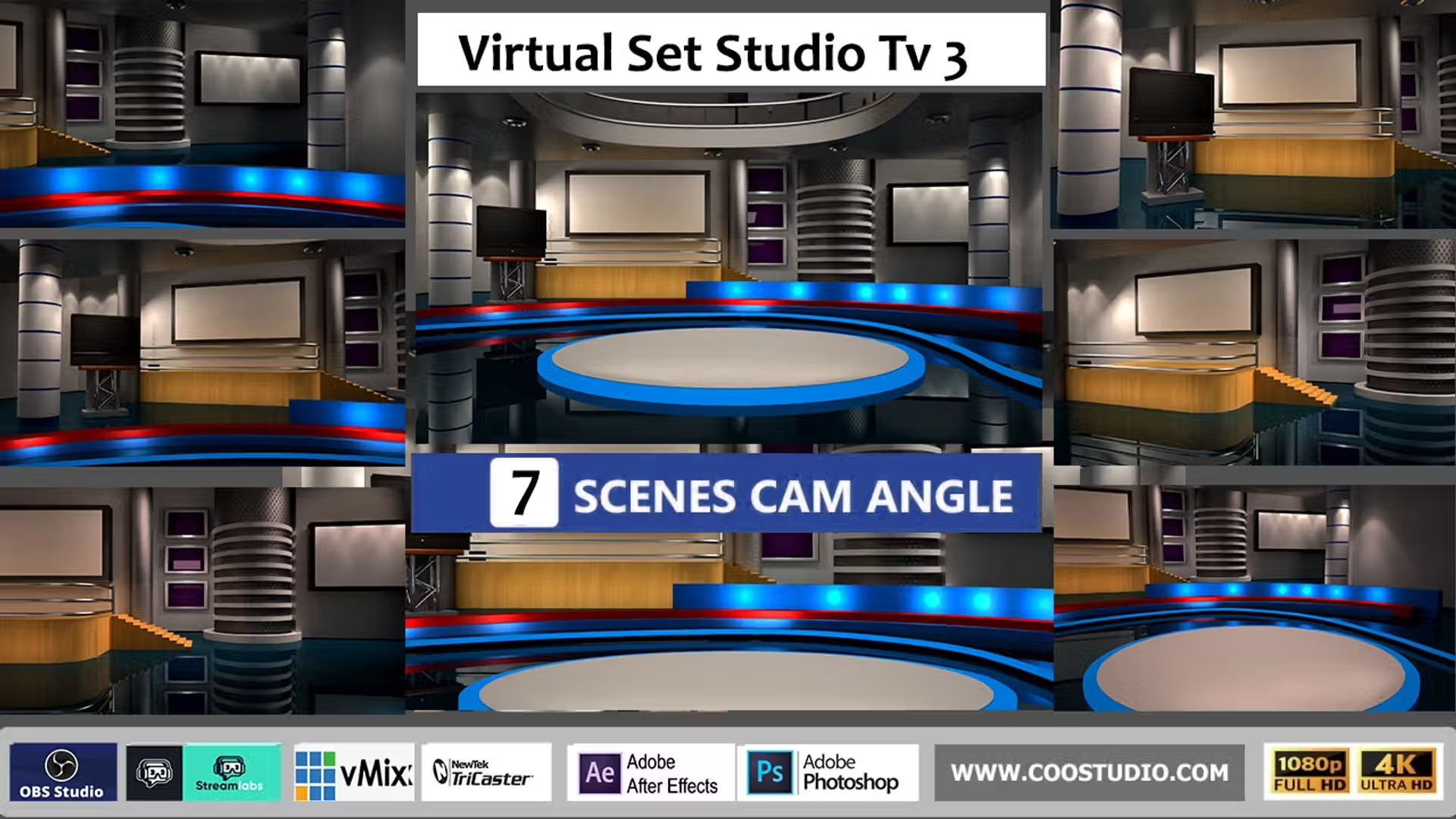
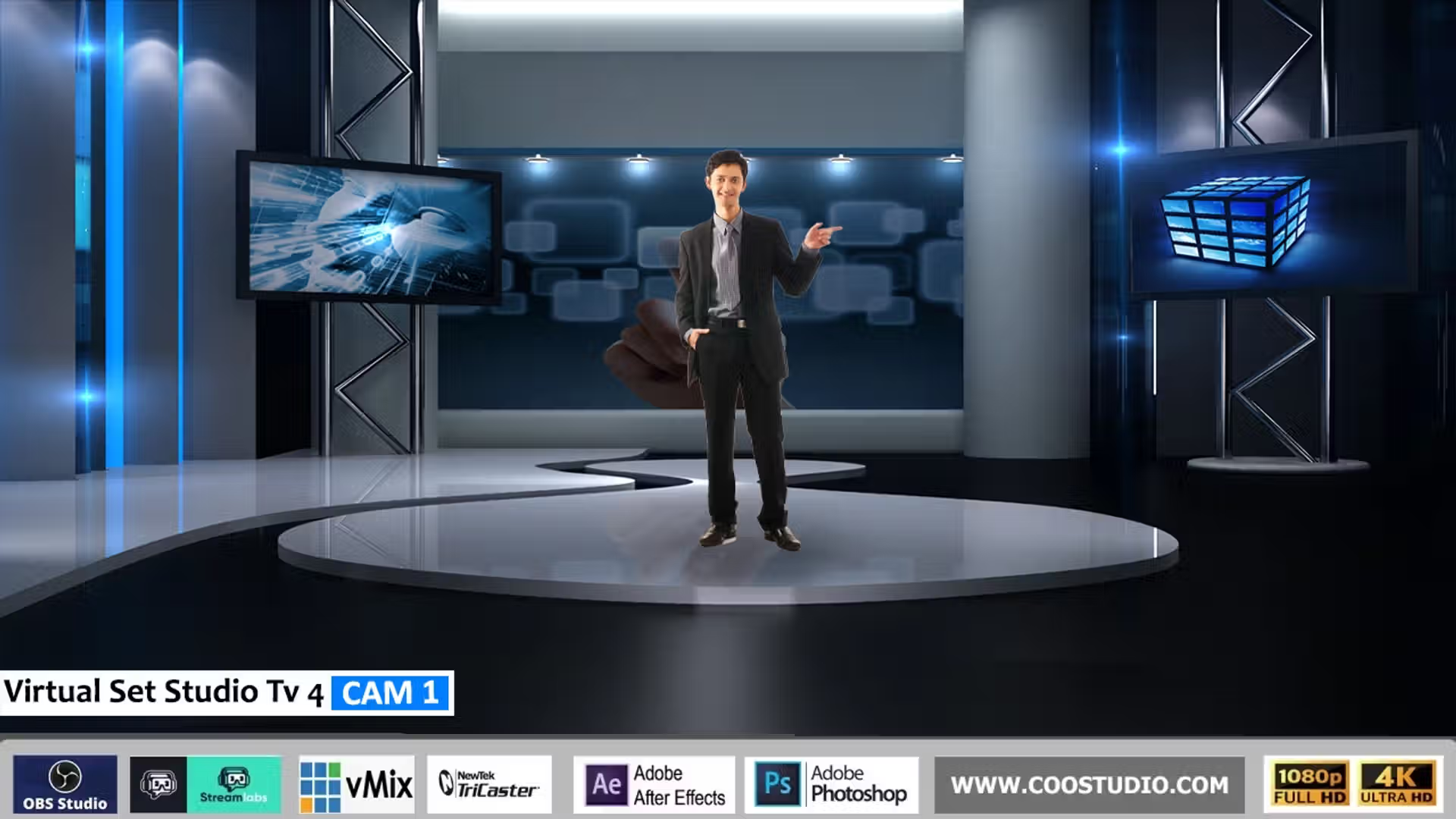
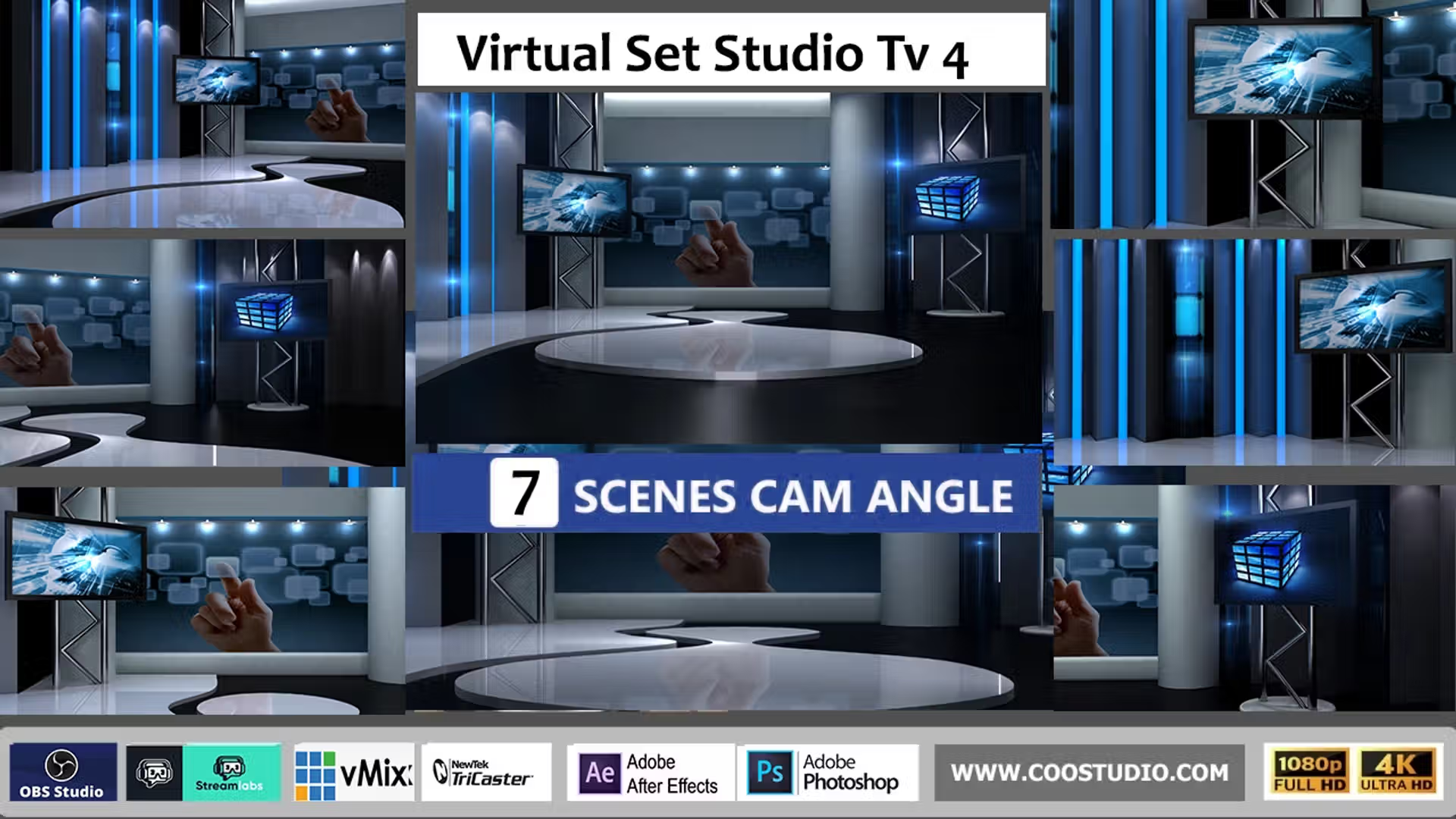
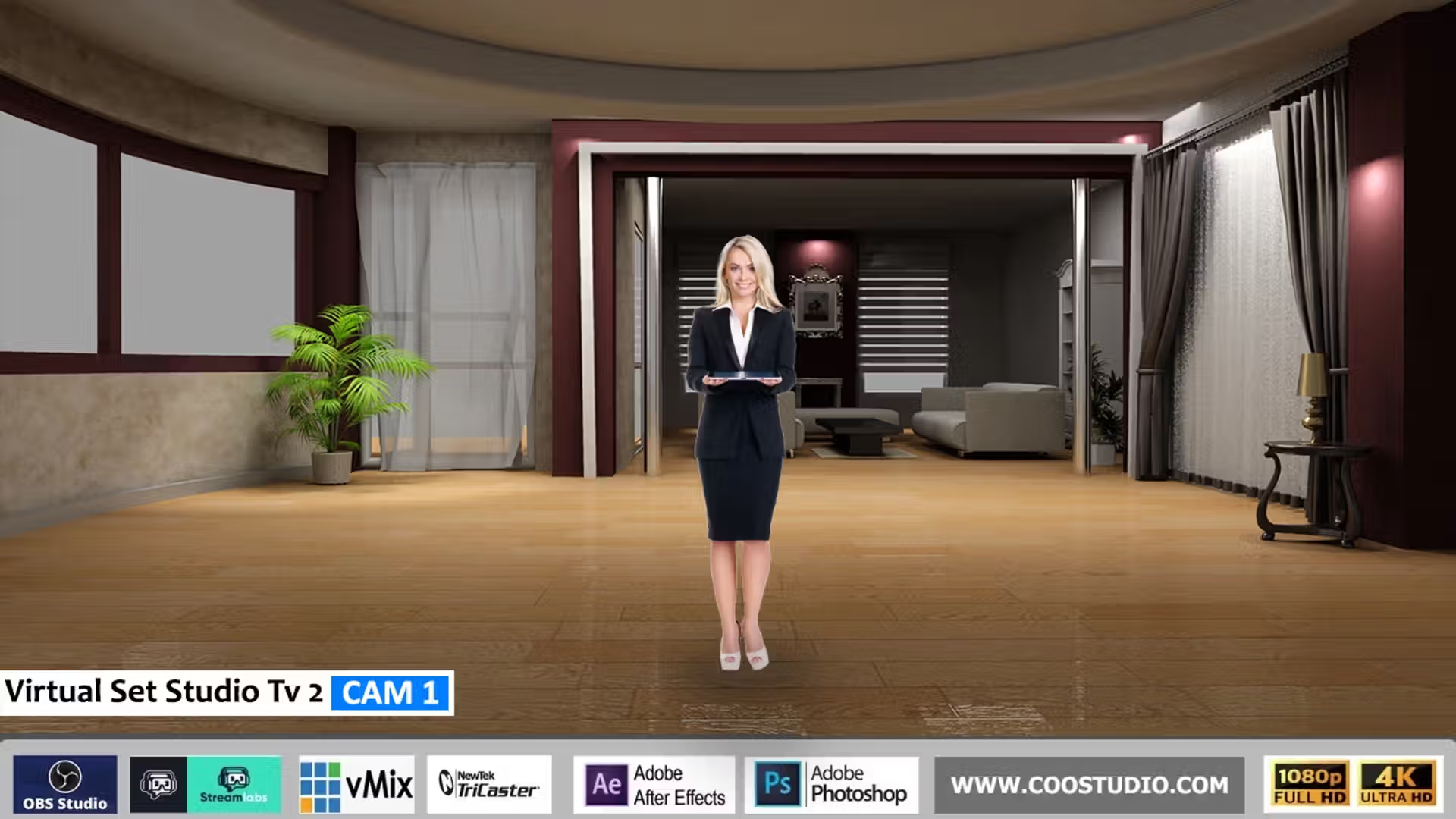
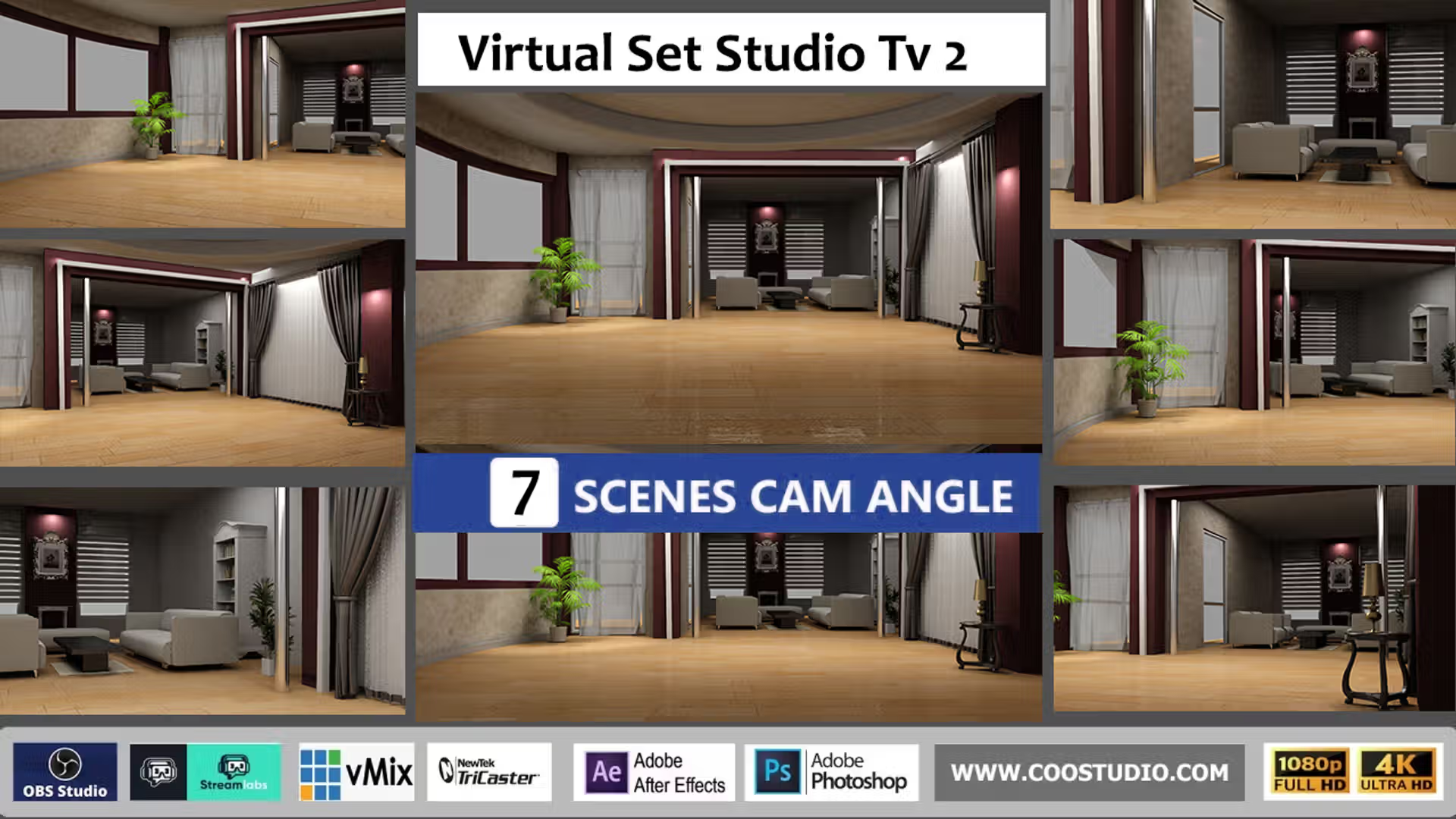
Virtual Set Studio TV 1 is a complete, layered virtual studio set designed for chroma key green screen production. It includes 7 ready‑to‑use camera angles (wide, medium, close‑up, left/right pans, and more) so you can switch between shots like a real TV studio. Works perfectly with vMix, OBS Studio, Streamlabs Overlay, TriCaster VSE, Adobe After Effects, Premiere Pro, Photoshop, and any graphic software that supports PNG and JPG files. You get both 4K (3840×2160) and Full HD (1920×1080) versions in one organised ZIP – no plugins, no monthly fees.
See the 7‑Angle Virtual Set Inside Your Software
Click any preview to enlarge – real screenshots of Virtual Set Studio TV 1 showing multiple camera angles in the most popular production tools.
Why Virtual Set Studio TV 1 Elevates Your Streams & Videos
🎥
7 Professional Camera Angles
Switch between wide, medium, close‑up, and left/right pans – just like a real TV gallery. Perfect for interviews, news, and dynamic live shows.
🧊
Realistic 3D Depth
Independent desk, ceiling, background, and screen layers create genuine foreground/background separation – it feels like a physical studio.
🔄
Universal Compatibility
PNG + JPG format works with every chroma key software. Use in vMix, OBS, TriCaster, Premiere, and even Zoom via virtual camera.
⚡
Instant Professional Look
Replace flat backgrounds with a modern TV studio aesthetic that commands attention and boosts viewer trust – in under 5 minutes.
What’s Inside Your ZIP Download
4K & Full HD Files – 3840×2160 and 1920×1080 PNG (transparent) & JPG versions.
7 Camera Angle Presets – Pre‑framed wide, medium, tight, left, right, and two creative angles.
Main Studio Backdrop – Complete virtual environment with architectural details, screens, and lighting.
Desk / Table Overlay – Transparent PNG that sits in front of the talent for a realistic news desk illusion.
Left & Right Screen Inserts – Blank monitors ready for your own video feeds, logos, slides, or social media.
Ceiling & Lighting Overlay – Adds depth above the presenter with subtle reflections.
Foreground Decor Overlays – Frame the scene and hide chroma key edge artifacts.
Bonus Alpha Screen Inserts – Pre‑masked PNGs to drop content behind virtual bezels effortlessly.
Quick‑Start PDF Guide – Illustrated steps for vMix, OBS, and TriCaster – on air in 5 minutes.
Full Software Compatibility
Software
How to Use Virtual Set Studio TV 1 (with 7 angles)
vMix
Add input → Virtual Set → load the 7 angle presets as separate inputs or use the layered PNGs to build custom camera shots. See our vMix setup guide.
OBS Studio
Add Image sources for each angle & layer; stack above chroma‑keyed camera. Use scene duplication for instant multi‑cam switching.
Streamlabs
Same as OBS – build multi‑angle scene collections and switch live with a single click.
TriCaster VSE
Import transparent PNGs into Virtual Set Editor; set up multiple virtual cameras with different crops to recreate the 7 angles.
After Effects
Compose all 7 angles in one project or separate comps; animate transitions between angles with life‑like motion.
Premiere Pro
Stack layers on separate tracks, use crop/transform to create 7 different camera views, and cut between them in post.
Photoshop
Open PNGs, create custom angle mockups, add branding; export static frames for thumbnails or multi‑cam storyboards.
Zoom / Teams
Use OBS/vMix virtual camera with built‑in angle switching to deliver a multi‑cam studio experience to any video call.
Any Other Software
PNG & JPG drag & drop – simply crop or scale to achieve any of the 7 pre‑defined camera angles. No proprietary plugins. Check our entire virtual set collection.
Technical Specifications
📐 Resolution4K UHD & Full HD
🖼️ FormatsPNG (alpha) + JPG
🎬 Camera Angles7 ready‑to‑use presets
📺 Aspect Ratio16:9 widescreen
🎨 Color SpacesRGB
💚 Chroma KeyGreen & blue screen ready
🧩 Layers8+ individual overlays
Perfect for Every Creator
Live streamers & gaming creators
Podcasters adding visual power
Churches & faith organisations
Corporate trainers & webinar hosts
YouTube & Twitch content creators
Online course creators
Independent news & political commentators
Live shopping & product demonstrations
The 7 camera angles let you mimic a full broadcast crew – switch between wide establishing shots, tight close‑ups, and sleek panning views without moving your real camera. The blank screen inserts let you showcase anything: Twitter feeds, slides, video clips – all within your chroma key environment.
Three‑Step Setup (Works Everywhere)
Download & Extract – Instant ZIP after purchase. Extract to your production computer.
Set Your Chroma Key – Key out your green backdrop as usual, ensuring even lighting. Need help? Read our chroma key lighting guide.
Load the 7 Angles & Layers – Import background JPG first, then desk, ceiling, screen overlays above your camera. Use the included angle presets to instantly frame up to 7 different shots.
The included Quick‑Start PDF walks you through this with specific steps for vMix, OBS, and TriCaster. You’ll be live with multi‑camera switching in minutes.
Why Creators Love Virtual Set Studio TV 1
✅ 7 camera angles – free multi‑cam switching
🔁 Lifetime access – one purchase, unlimited projects
🚫 No subscriptions – never a monthly fee
🔓 No platform lock‑in – plain PNG+JPG files
💡 Home‑studio friendly – works with standard green screens and low‑light setups
📜 Royalty‑free commercial license – use for clients, monetised streams, paid courses
Ready to Go Live with a 7‑Angle Professional Virtual Studio?
Stop using flat, single‑angle backgrounds. Virtual Set Studio TV 1 gives you the exact layered, broadcast‑grade look used by TV networks – with 7 built‑in camera angles to keep your content dynamic and engaging.
4K & Full HD included. 7 camera angles. Works with vMix, OBS, Streamlabs, TriCaster, After Effects, Photoshop & more. Questions? Contact our support team.
 Skip to content



admin –
nice virtual studio
admin –
good virtual set