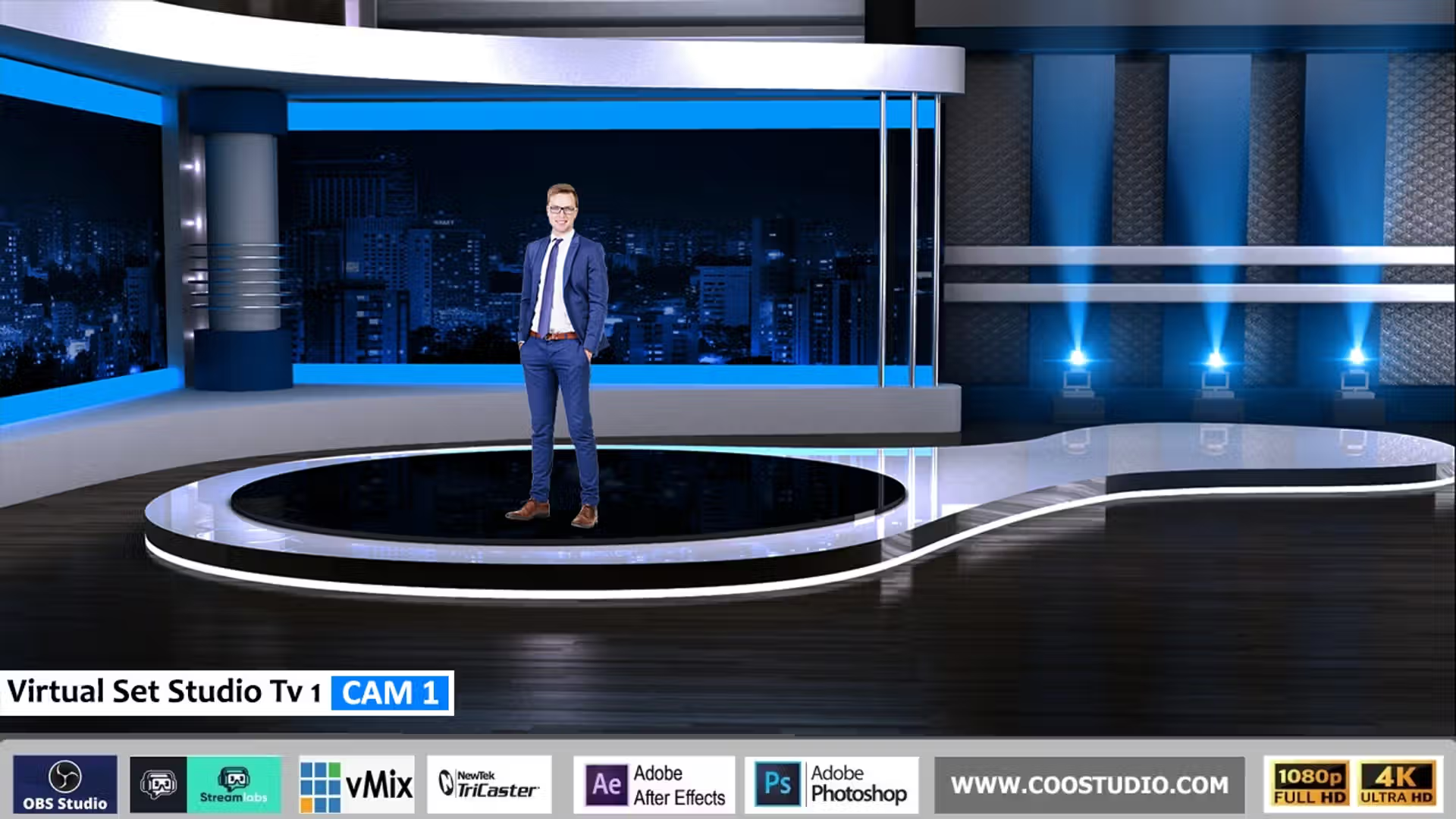
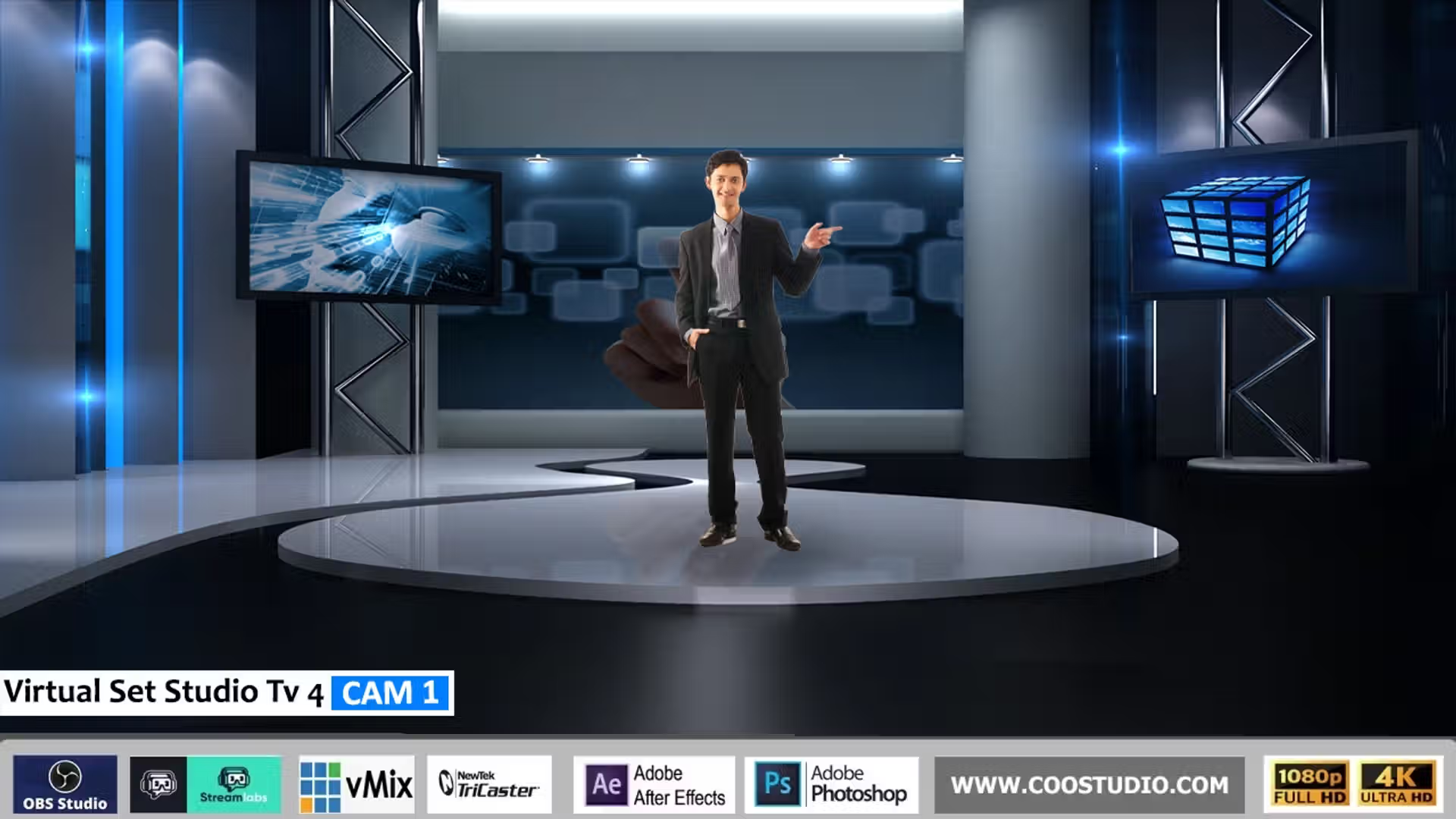
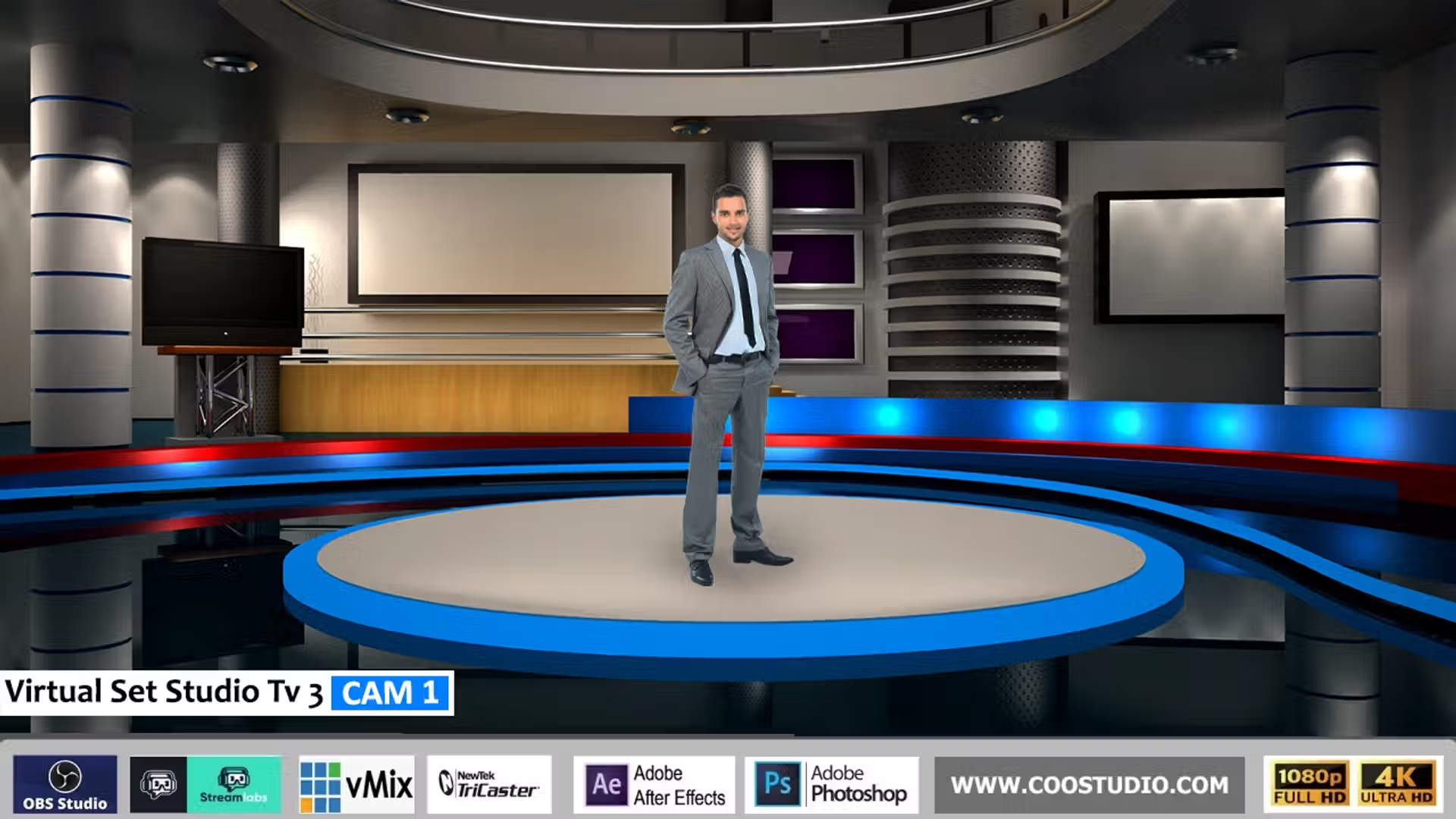
Virtual Set Studio TV 5 is the most versatile, visually striking virtual studio set you can own. Unlike physical sets that require thousands of dollars in construction, lighting, and space, this digital set gives you a polished, modern TV‑studio look instantly. Simply key out your green screen, layer our high‑resolution PNG and JPG assets, and you’re on air. Whether you’re a live streamer, a worship production team, a corporate presenter, or a video editor, Virtual Set Studio TV 5 delivers a game‑changing broadcast aesthetic that viewers will love.
🎥 Dual Resolution – Full HD & 4K
Every ZIP includes both 1920×1080 and 3840×2160 files. Use vMix 4K or OBS Studio at any resolution – your set stays crisp.
🧩 Transparent PNG Overlays & PSD
Layered foregrounds (desk, monitors, studio lights) sit over your talent seamlessly. Bonus layered PSD file for Photoshop users – total creative control.
✅ Organised Folders: 4K / HD – instantly find the right size
✅ Layered PSD File for Adobe Photoshop
✅ PDF Quick‑Start Guide – OBS, vMix and Streamlabs setup
✅ Commercial License – use on unlimited live shows and video projects
⚡ One‑Click Green Screen Magic
No 3D rendering, no complex plugins. Stack the JPG background, add your chroma‑keyed camera feed, layer the PNGs – you’re live in minutes. Our green screen setup guide walks you through it.
Broad Compatibility with Your Workflow
Virtual Set Studio TV 5 is built from standard PNG and JPG files, making it future‑proof and software‑agnostic. No matter which platform you prefer, the set drops right in. Here are just a few of the popular applications that love this virtual studio set:
vMix (GT, 4K, Pro)OBS StudioStreamlabs DesktopTriCaster VSEWirecastAdobe After EffectsAdobe Premiere ProPhotoshopEcamm LiveRestream Studio
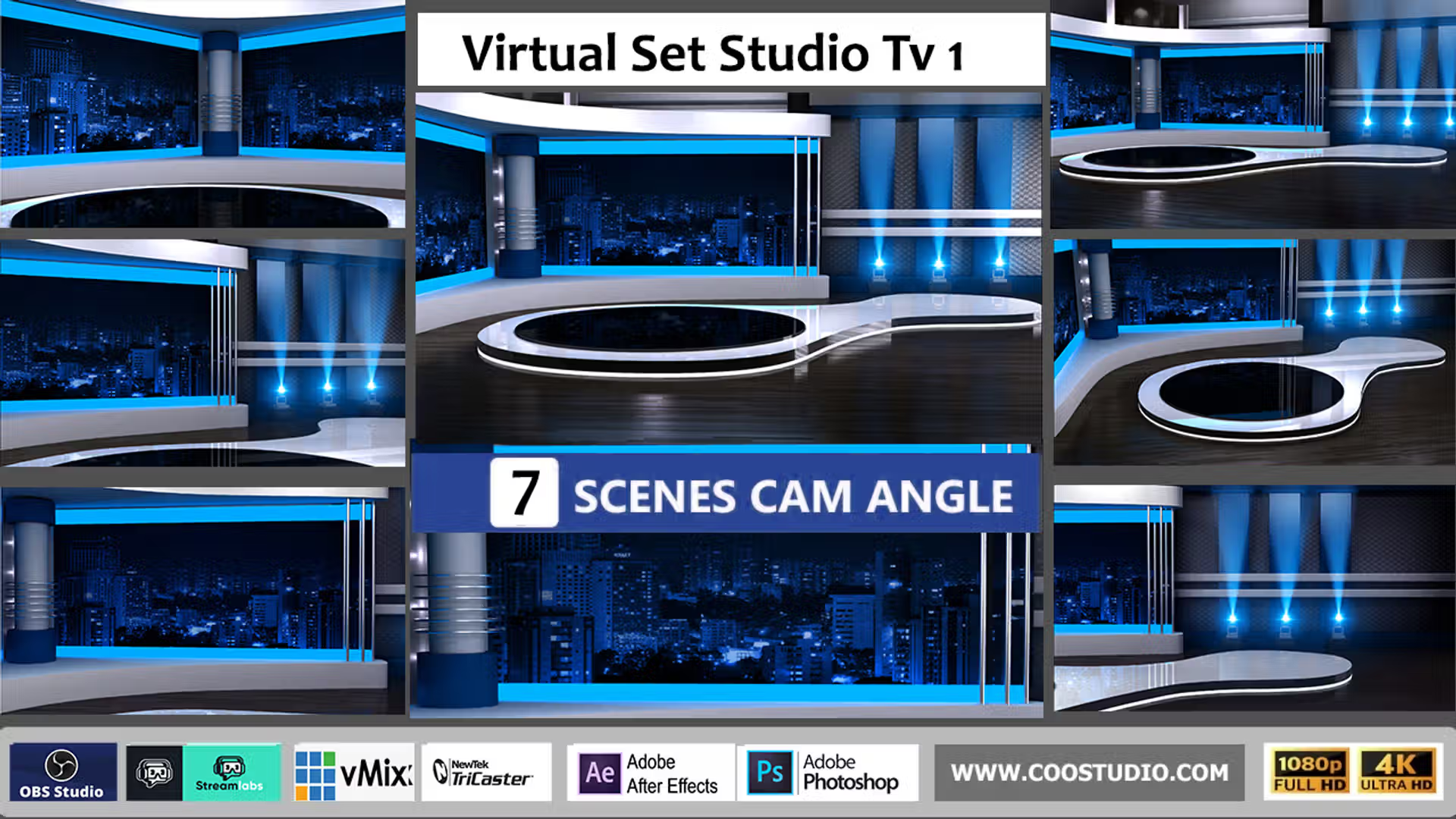
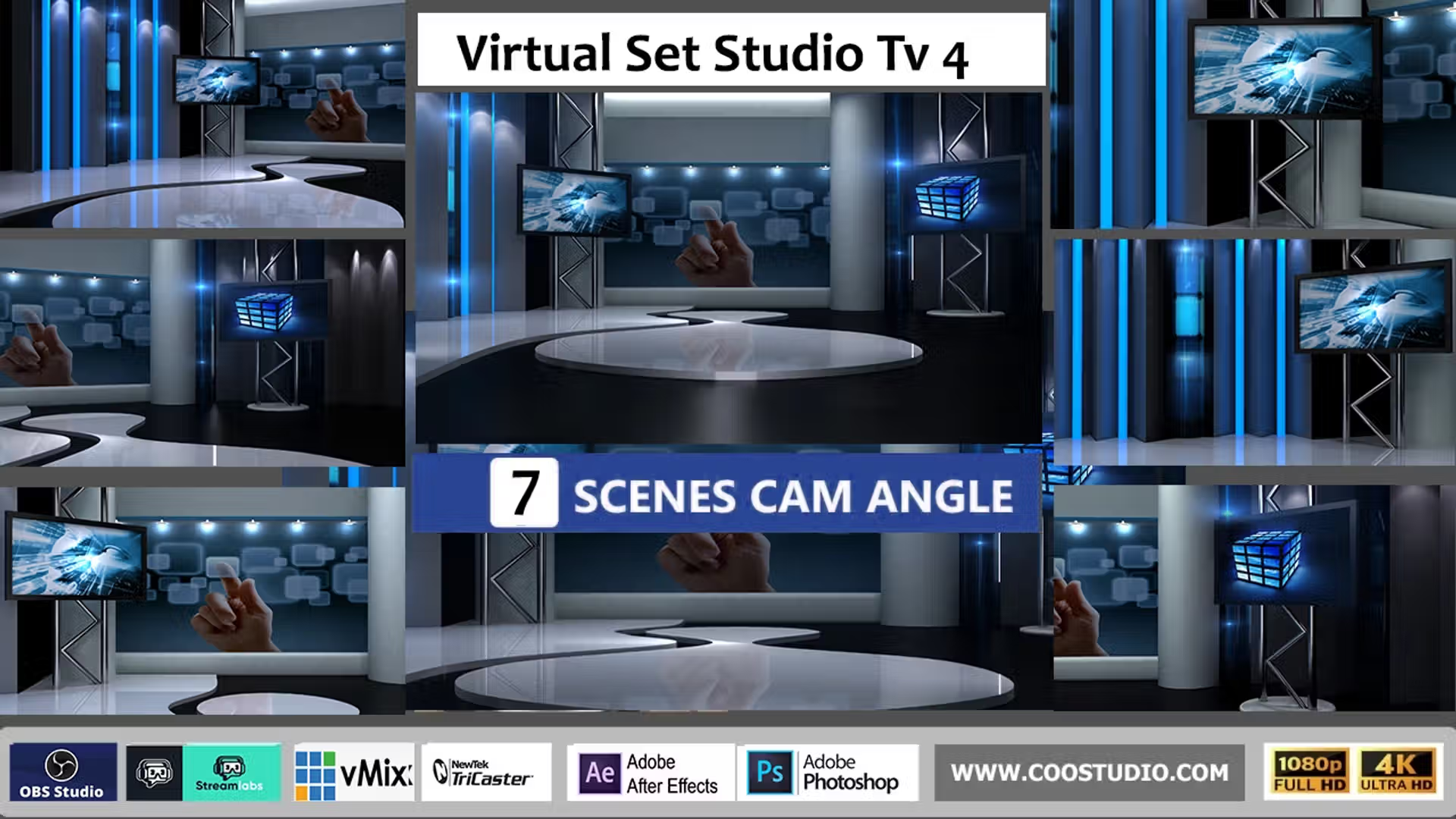
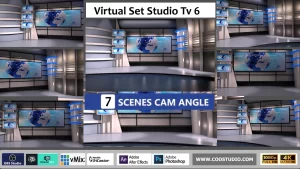
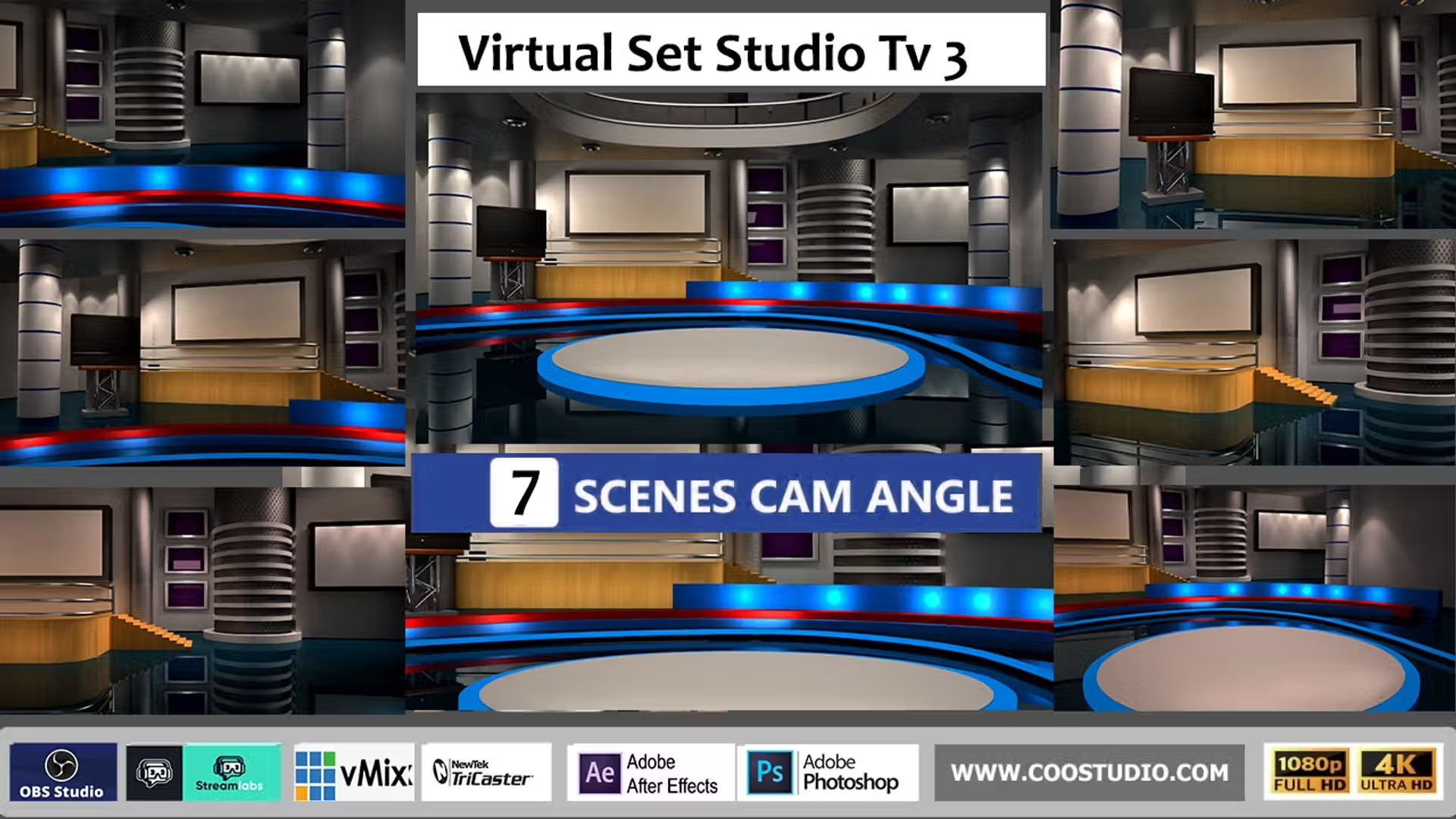
Because the set uses only images, you can also import it into Zoom, Microsoft Teams, or any virtual camera tool that supports image overlays. For more complex productions, pair Virtual Set Studio TV 5 with our complete virtual studio collection to build multi‑angle scenes.
How to Use Your New Virtual Set (Chroma Key Tutorial)
Load the JPG Background: Import the 4K or HD background as the bottom layer in OBS, vMix, or your editor.
Add Your Camera: Place your green‑screen footage above the background and apply the chroma key filter. OBS green screen guide (external).
Stack the PNG Overlays: Drag the desk, monitors, and studio framing elements on top – they’ll automatically box your talent perfectly.
Fine‑tune & Go Live: Adjust layering order, scale, or even change colours in Photoshop. Then stream or record – zero rendering lag.
Works with green, blue, or any solid background removal
Studio Style
Dynamic LED panels, sleek reflective desks, multi‑screen monitors
Where Virtual Set Studio TV 5 Shines
📺 Talk Shows & Interviews
The multi‑screen monitor overlays give a news‑room vibe that engages viewers. Read our virtual set guide for framing tips.
⛪ Live Worship & Webinars
A distraction‑free, professional backdrop keeps focus on your message. No physical stage clutter.
🎬 Video Editors & Post‑Production
Use it in Adobe Premiere Pro or After Effects to create cinematic intros and explainer videos.
“Easily the best virtual set I’ve used! Loaded it into OBS and went live in 5 minutes. The 4K quality is stunning – my stream looks better than some cable TV shows.”
– Jordan M., Live Stream Producer
Own Your Studio – No Rent, No Limits
Virtual Set Studio TV 5 is ready the second you download. Join hundreds of creators who’ve transformed their green screen workflow with this ultimate 4K virtual studio set.
 Skip to content



Reviews
There are no reviews yet.